

Add Channel: Capital Vacations - SPI - CondoRES
There are two ways to add a channel to a property.
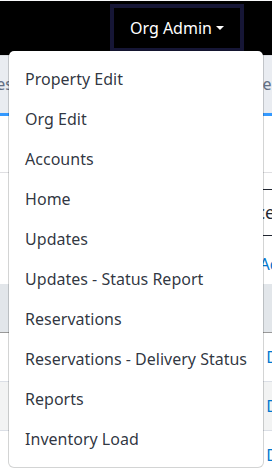
Org Admin -> Property Edit
Click on Org Admin -> Property Edit, then click on 'Add New' for the Channels, and add Capital Vacations - SPI - CondoRES.
Current demo navigation: choose Property Edit from Org Admin. The Channels section is shown below with its Add New action enlarged separately.


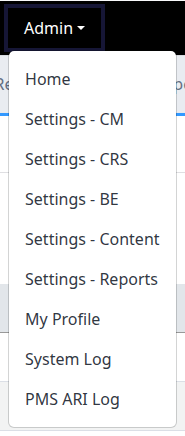
Admin -> Settings
Load the property, then go to Admin -> Settings, then click on 'Add New' for the Channels, and add Capital Vacations - SPI - CondoRES.
The current Admin menu labels this destination Settings - CM. In its Channels section, Add New is at the right; a closer view follows.


Channel Setup: Capital Vacations - SPI - CondoRES
Connection Settings
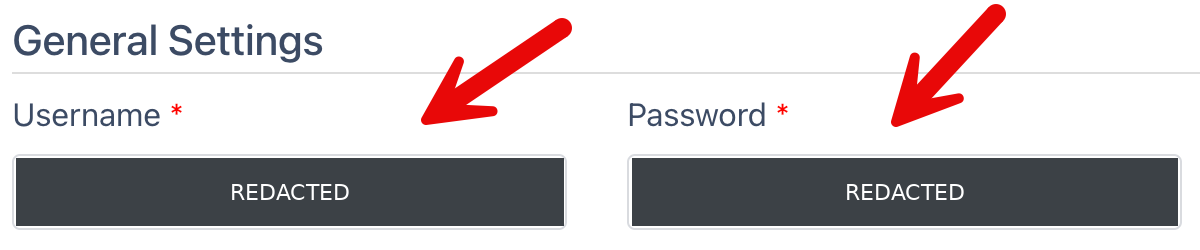
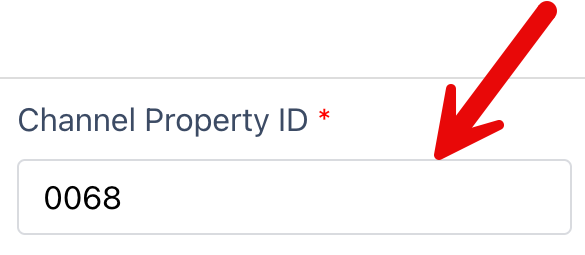
The main items to cover are the username and password, and the SPI ID set in the Channel Property ID.
Once these are set and saved, click on 'Mappings' to ensure ChannelRUSH can connect to SPI and pull down the mappings / list of room types.
Details from the existing CondoRES connection example, not a new capture. Username and Password remain fully redacted. The Channel Property ID shown is an example, not a value to copy. The final detail shows the Mappings link at the top of the channel settings.
Inventory Group IDs
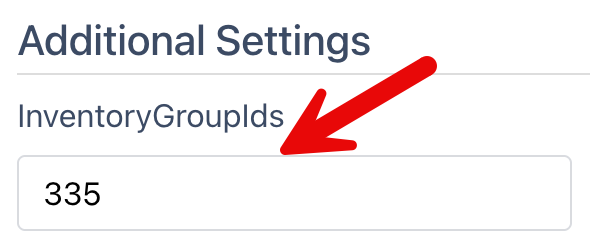
The Invengtory Group ID will be different from the regular SPI connection, so make sure it is set correctly here:
Detail from the existing Additional Settings example. The InventoryGroupIds field is shown in full; use the ID for your connection, not the example value.
Map The Room Types
Next, map all of the room types from SPI to their standard room type in ChannelRUSH.
This involves using the information from the 'Mappings' page to set the Channel Room Type Name and Channel Room Type ID.
💡 Tip: You can use the room type mappings found in the regular SPI connection setup ([PMS] Capital Vacations - SPI) to duplicate them here.
Add Channel: ChannelRUSH CRS
If it is not added already, add the 'ChannelRUSH CRS' channel.
Channel Setup: ChannelRUSH CRS
There are two sets of settings for the CRS functionality. One is the '[CRS Settings]' which is the master control for the CRS data. The other is the 'ChannelRUSH CRS' channel settings, where you can configure with the regular settings you can apply to an individual channel.
CRS Settings
ChannelRUSH CRS
Add Channel: Capital Vacations - CondoRES
Add the 'Capital Vacations - CondoRES' channel.